If you search for "digital asset management" you will find a lot of software built for companies with 500+ employees, six-figure budgets, and dedicated IT teams to run the implementation. That is not helpful if you are a 10-person agency, a growing e-commerce brand, or a marketing team of three trying to stop losing files in shared drives.
The enterprise DAM market is mature. The small-team DAM market is not. Most tools either give you too much (complex workflows, mandatory training, months-long onboarding) or too little (glorified cloud storage with a nicer interface). Finding the right middle ground matters, because the wrong choice either wastes money or wastes time — and small teams cannot afford either.
This guide covers what actually matters when choosing a DAM for a small team, what you can safely ignore, and how to evaluate without getting lost in feature comparison spreadsheets.

Why Most DAM Comparisons Are Useless for You
Enterprise DAM buyers care about things like SAP integration, LDAP authentication, custom taxonomy engines, and 50-page RFP responses. None of that matters for a team under 50 people.
What happens when you read enterprise-focused reviews:
- You get overwhelmed by features you will never use
- You assume DAM must be expensive because every price listed starts at $1,000/month
- You settle for a simpler tool that does not actually solve your problem
- Or you give up and go back to the shared drive
The features that matter for small teams are completely different from the features that matter for enterprises. Small teams need speed, simplicity, and immediate value — not configurable workflows and governance frameworks.
The Only Features That Actually Matter
After watching hundreds of small teams struggle with asset management, there is a clear pattern. These are the features that make or break the experience:
1. Search That Actually Works
This is the single most important feature. If people cannot find files, they will not use the system. Period.
What "works" means for a small team:
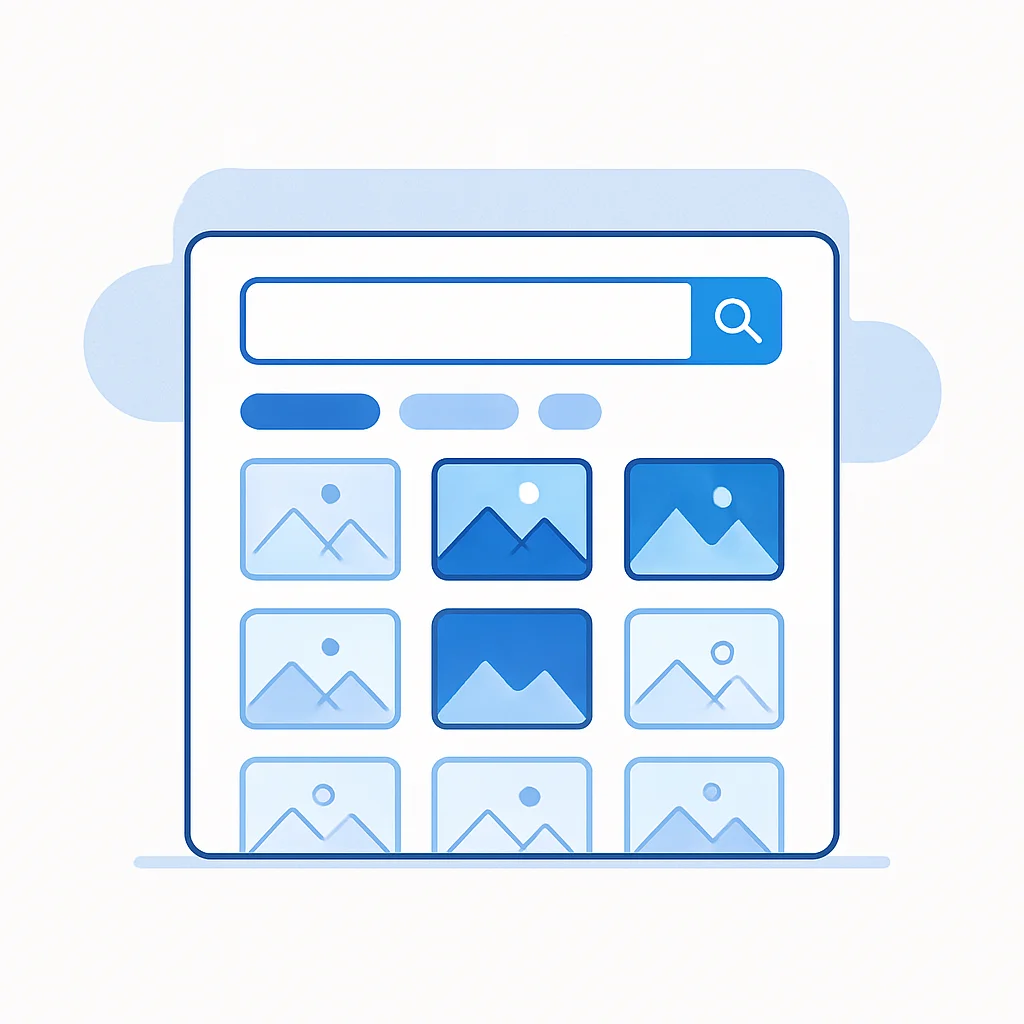
- Full-text search across filenames, descriptions, and metadata
- Tag-based filtering so you can narrow results by campaign, brand, format, or status
- AI auto-tagging that learns your vocabulary over time — it needs some initial training, but gets better the more you use it
- Visual browsing with thumbnails large enough to tell files apart without opening each one
- CDN link search so you can paste an asset's CDN URL and instantly find the source file in your library
Test this during any trial. Upload 50 files. Wait a day. Try to find a specific one. If it takes more than 10 seconds, the search is not good enough.
2. Upload That Does Not Get in the Way
Every extra step between "I have a file" and "the file is in the system" reduces adoption. For small teams, this is critical — nobody has time to fill out 15 metadata fields before they can upload a logo.
What you need:
- Drag-and-drop upload (not a three-step wizard)
- Bulk upload for migrating existing files
- Automatic metadata extraction — file type, dimensions, color profile, EXIF data should be captured without manual entry
- Sensible defaults — the system should tag and categorize intelligently so you only need to correct the occasional mistake, not enter everything from scratch
3. Sharing Without Friction
The whole point of organizing assets is so people can use them. If sharing requires downloading a file, attaching it to an email, and hoping the recipient gets the right version, you have not solved the problem.
What matters:
- Direct CDN links that work anywhere — paste them in a website, email, Slack message, or CMS
- Collection sharing — curate a set of assets and share them with a single link
- No account required for viewers — clients, partners, and freelancers should be able to view and download without creating a login
- Download options — let recipients download in the format and size they need
4. Version Control That Prevents Mistakes
Using the wrong version of an asset is the most common brand consistency problem — and also the most preventable.
- Version history — every update is tracked, previous versions are accessible
- Stable URLs — updating a file does not break links. Anyone who used the old URL automatically gets the new version. This is the feature that separates real asset management from file storage.
- Clear current version — no ambiguity about which version is the latest
5. Permissions That Are Simple to Set Up
You do not need 12 permission levels. You need four:
- Owner has full control — billing, settings, user management, and all asset operations
- Admin manages the system — upload, organize, delete, invite users, approve assets
- Contributor uploads and edits their own work, submits assets for approval
- Guest browses and downloads approved assets — perfect for clients, partners, and external collaborators
If the permissions system requires a training session to understand, it is too complex for your team size. You can always add granularity later. Start simple.
What You Can Safely Ignore
Feature lists are designed to make you feel like you need everything. You do not. Here is what small teams can skip without regret:
Complex Workflow Engines
Enterprise DAMs offer configurable multi-step approval workflows with conditional routing, escalation paths, and SLA timers. You do not need this. A simple draft → review → approved flow is plenty for teams under 50 people. If your approval process requires a flowchart to explain, you have a process problem, not a software problem.
Rights Management and Licensing Tracking
If you are a media company managing thousands of licensed stock photos with varying usage rights across regions, you need rights management. If you are a marketing team managing your own brand assets, you do not. Save the complexity for when you need it.
Custom Integrations and API Extensibility
Yes, API access is nice to have. No, you probably do not need it right now. If your evaluation criteria includes "can we build custom integrations," you are solving a problem you do not have yet. Focus on the tool working well out of the box.

AI-Powered Everything
AI auto-tagging is useful once you train it — expect to correct tags on your first few batches before the system learns your vocabulary. AI-generated descriptions can save time too. Beyond that, most AI features in DAM marketing are hype. "AI-powered search" usually means the same keyword search with a chatbot bolted on. "AI content generation" belongs in a different tool. Evaluate AI features by what they actually do in the trial, not what the marketing page promises.
How to Actually Evaluate a DAM
Forget the comparison spreadsheet. Do this instead:
The 30-Minute Test
- Upload 20-30 real files. Not test files — your actual brand assets. Logos, photos, templates, guidelines documents.
- Wait 5 minutes for processing (thumbnails, auto-tagging, metadata extraction).
- Search for three specific files using terms you would naturally use. Can you find them?
- Share one file with a colleague by sending them a link. Can they view and download it without creating an account?
- Update one file with a new version. Does the link still work? Can you see both versions?
- Invite one team member. Can they figure out the interface without help?
If any of these steps take more than 2 minutes or require reading documentation, the tool is too complex for your team.
The Questions That Actually Matter
Skip the 50-question RFP. Ask these instead:
- How long until my team is productive? If the answer is "after onboarding," that is a red flag. Small teams need tools that work on day one.
- What happens when I update a file? The answer should be "the link stays the same." Anything else means broken links everywhere.
- Can external people view shared assets without an account? If no, sharing will always require extra steps.
- What does the pricing look like at 2x and 5x my current usage? Cheap today does not matter if it becomes expensive as you grow.
- Can I export my data if I leave? Lock-in is real. Make sure you can get your files out.
Red Flags to Watch For
These should make you cautious during any evaluation:
- "Contact sales for pricing" — If they will not publish prices, they are either expensive or the pricing is complicated. Both are problems for small teams.
- Mandatory onboarding calls — If the product requires a walkthrough to use, it is not simple enough.
- Annual contracts only — Month-to-month should be an option. Annual discounts are fine, but being locked in before you know the tool works is not.
- Per-user pricing that scales steeply — Small teams grow. If adding your 11th user doubles your bill, you will hit a wall.
- No demo or sandbox — You cannot evaluate a DAM from a sales demo. You need to upload your files, use your workflows, and see if it fits.
- Feature count as a selling point — "200+ features" is a warning, not a benefit. You need 10 features that work well, not 200 you will never touch.
The Small-Team DAM Checklist
Use this when evaluating any tool:
- Can I upload files by dragging and dropping? Yes / No
- Does search find files by content, not just filename? Yes / No
- Are files auto-tagged on upload? Yes / No
- Can I share a file via link without the recipient needing an account? Yes / No
- Does updating a file keep the same URL? Yes / No
- Can I set up permissions in under 5 minutes? Yes / No
- Is pricing published and predictable? Yes / No
- Can a new team member figure it out without training? Yes / No
- Can I export all my files if I leave? Yes / No
- Can you start using it immediately without a sales call? Yes / No
If a tool scores below 7 out of 10, keep looking.
Why Asset Locker Was Built for This
Asset Locker exists because we saw the same gap. Enterprise DAMs are overkill. Cloud drives are not enough. The teams in the middle — agencies, studios, growing brands, marketing departments — deserve a tool that respects their time and budget.
Drag-and-drop upload with AI auto-tagging that learns your brand vocabulary as you use it. Search that works on day one. Stable CDN links that survive version updates. Collection sharing without requiring recipients to create accounts. Straightforward pricing with no per-user gotchas.
No onboarding calls. No annual lock-in. No features you will never use. Just sign up and start organizing.
Key Takeaways
- Ignore enterprise feature lists. Small teams need search, upload, sharing, versions, and simple permissions. Everything else is optional.
- Test with your real files. A 30-minute trial with actual assets tells you more than any feature comparison.
- Watch for red flags. Hidden pricing, mandatory onboarding, and annual-only contracts signal a tool built for a different buyer.
- Simplicity is a feature. If your team needs training to use the tool, adoption will fail regardless of how powerful it is.
- Plan for growth. Cheap today does not matter if pricing becomes painful at 2x your current usage.
- You can always add complexity later. Start with a tool that nails the basics. Advanced features matter only after the fundamentals are solid.