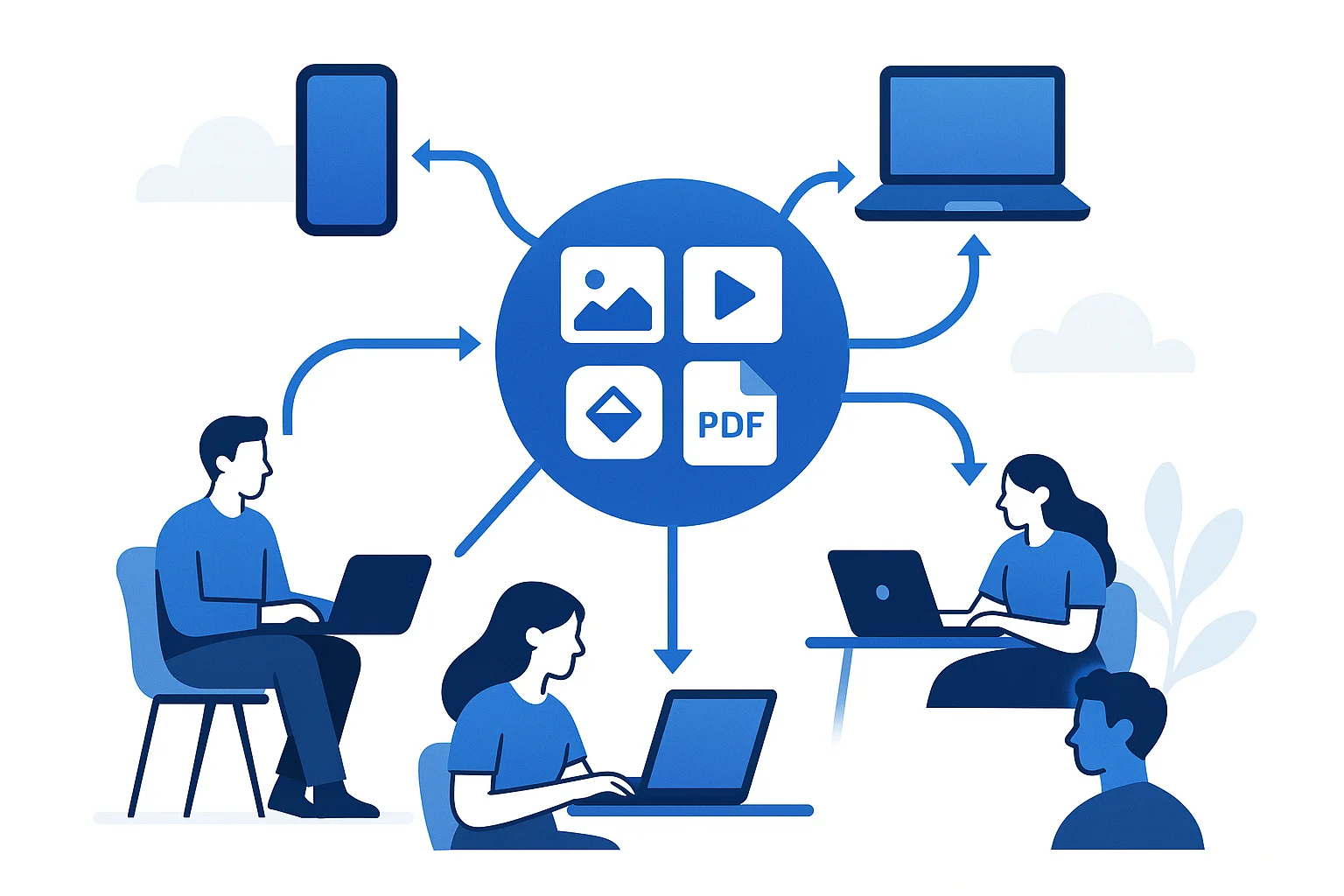
Your company has thousands of files scattered across cloud storage folders, email threads, chat messages, and random desktops. Someone asks for the latest version of the logo and three people send three different files. Sound familiar?
That is the exact problem digital asset management solves. This guide breaks down what a DAM actually does, who needs one, and how to tell whether your team is ready for one — no jargon, no enterprise sales pitch.
What Is Digital Asset Management?
Digital asset management (DAM) is a system for storing, organizing, finding, and sharing digital files — images, videos, documents, logos, brand guidelines, and anything else your team uses repeatedly.
Think of it as a single source of truth for every file your brand depends on. Instead of hunting through folders or asking a coworker to re-send something, everyone on the team goes to one place and finds the right file in seconds.
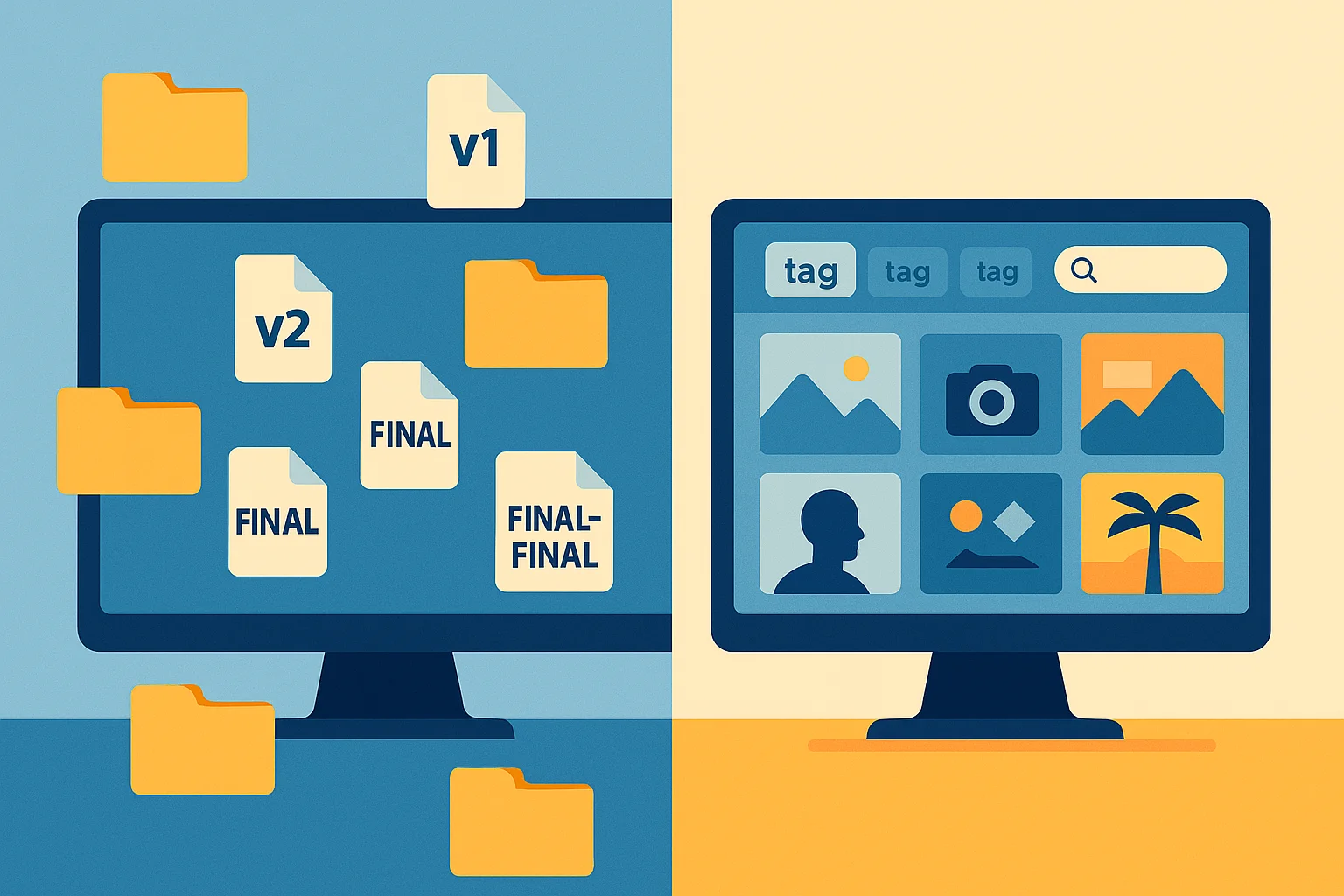
A DAM is not just a folder structure with a nice interface. What separates it from plain file storage:
- Metadata and tagging — every file gets searchable information attached to it (who created it, when, what project, what format, usage rights)
- Visual search — browse by thumbnail instead of cryptic filenames
- Version control — upload a new version without losing the old one
- Access control — decide who can view, download, edit, or share each file
- CDN delivery — serve files directly to websites, apps, and social media from a fast content delivery network
What Counts as a Digital Asset?
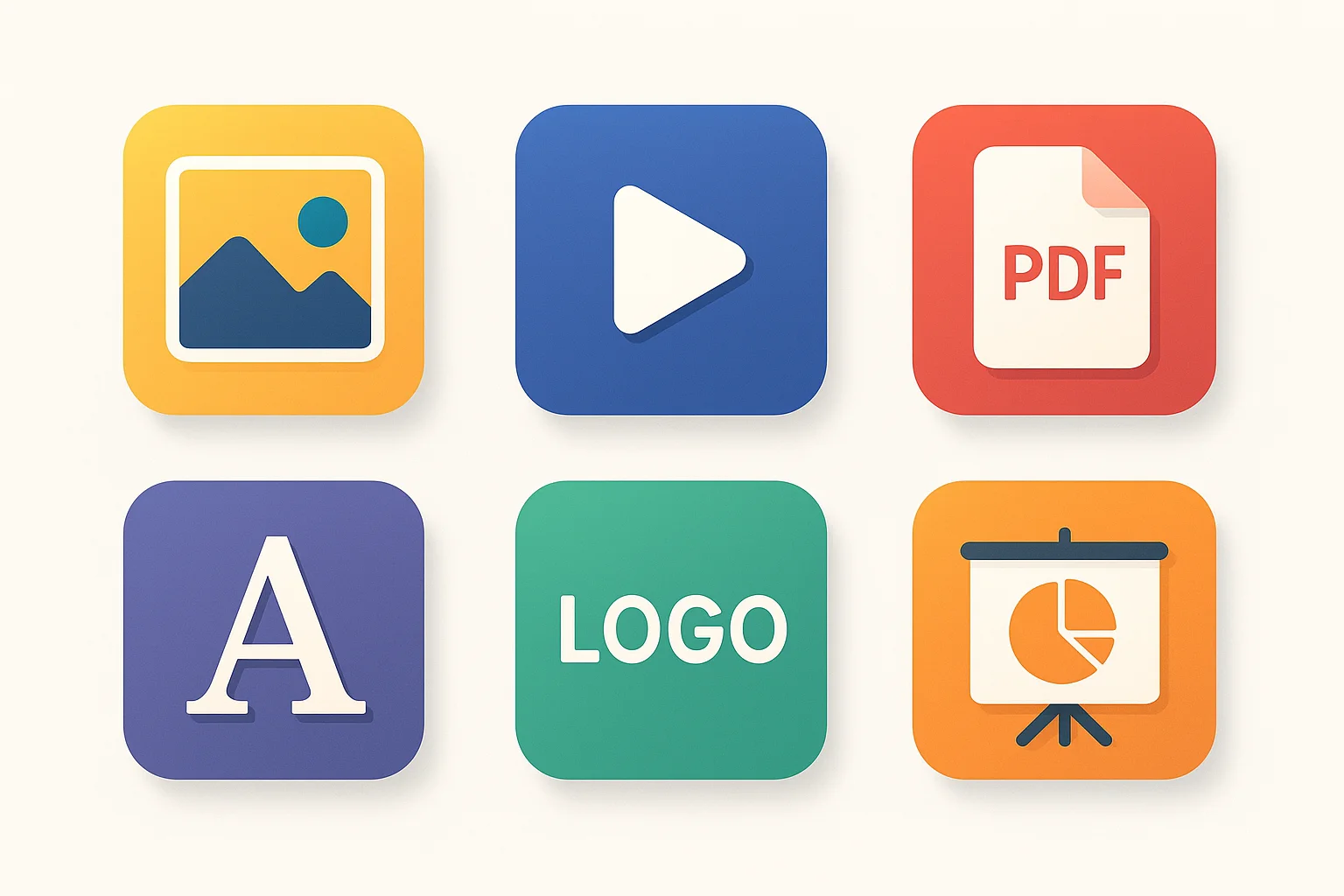
If your team created it, paid for it, or needs it more than once, it is probably a digital asset. Common examples:
- Brand files — logos, color palettes, fonts, brand guidelines
- Marketing images — social media graphics, ad creatives, email banners, product photos
- Video content — commercials, product demos, training videos, raw footage
- Documents — PDFs, presentations, sell sheets, one-pagers
- Web assets — icons, illustrations, hero images, OG images
- Templates — design files, presentation templates, reusable components
The common thread is reuse. A file you use once and throw away is not an asset. A logo your team will use ten thousand times across every channel absolutely is.
How Does a DAM Actually Work?
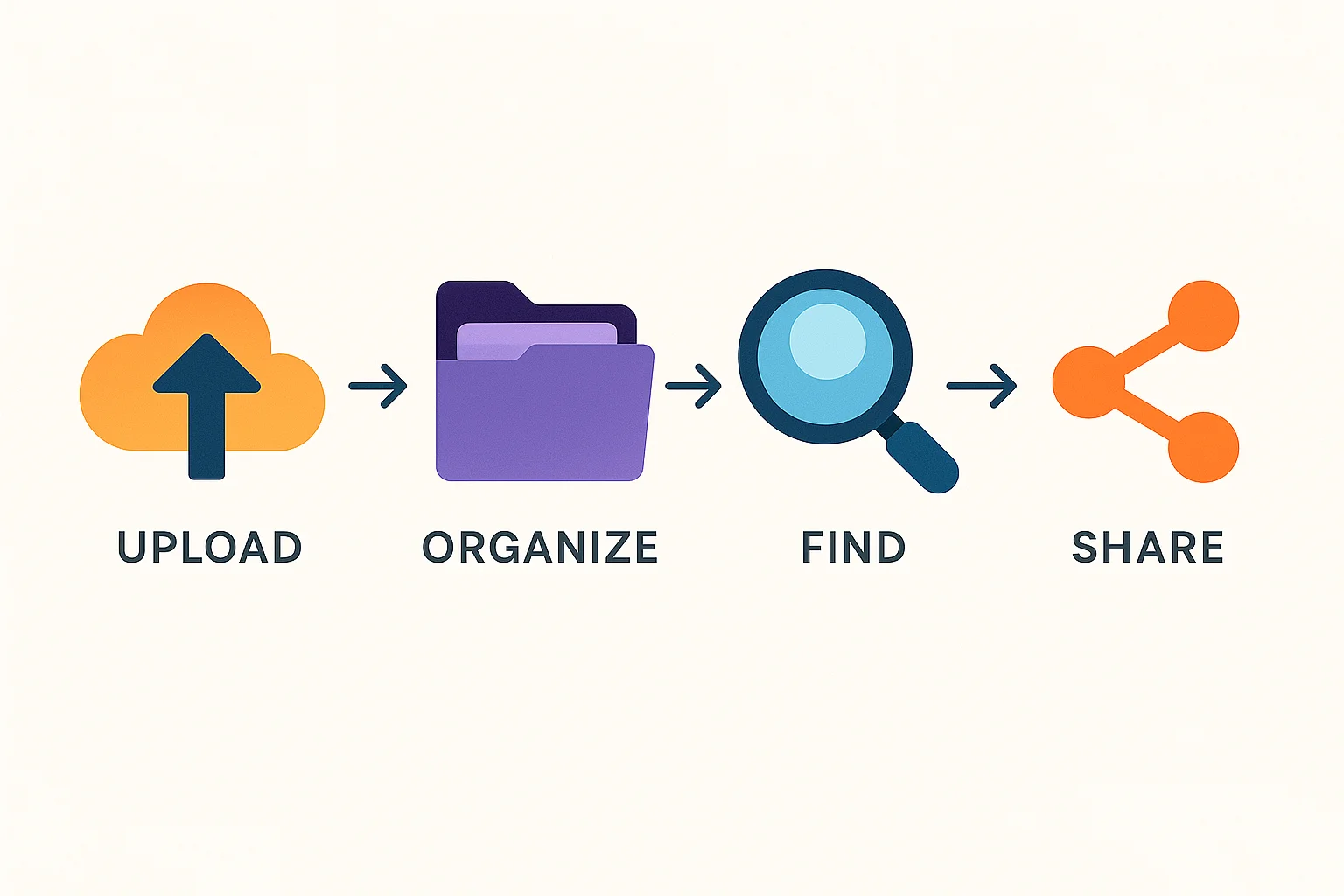
Here is the typical workflow once a DAM is set up:
1. Upload and organize
Drag files into the DAM. The system extracts metadata automatically — dimensions, file type, color profile, creation date. You add tags, assign the file to a project or category, and set permissions.
2. Find what you need
Search by keyword, filter by file type or date, or browse visually. No more opening twenty folders to find the right version of a headshot.
3. Share and distribute
Send a share link to a client, embed an image on your website via CDN, or download in the exact format and size you need. The DAM handles format conversion and resizing so you do not have to open a design app every time someone needs a different crop.
4. Control and protect
Track who downloaded what and when. Expire share links automatically. Make sure only approved, on-brand assets reach the outside world.
5. Approve before it goes live
Before any asset reaches the outside world, it goes through an approval workflow. Designers upload their work, a manager or brand lead reviews it, and only approved assets become available to the rest of the team. No more outdated logos slipping into a pitch deck or an unfinished graphic going out on social media.
This matters more than most teams realize. When marketers, salespeople, and partners can only access approved assets, every touchpoint stays on brand — automatically. There is no need to police what people are using because the system only surfaces what has been signed off on.
DAM vs. File Storage: What Is the Difference?
Cloud storage platforms are built for syncing files between devices. They work well for that job. They are terrible at managing brand assets at scale.
| Feature | Cloud file storage | DAM |
|---|---|---|
| Visual browsing | Limited thumbnail previews | Full visual grid with previews for 80+ formats |
| Search | Filename only | Metadata, tags, AI-powered visual search |
| Version control | Basic (overwrite or duplicate) | Full version history with visual comparison |
| Permissions | Folder-level sharing | Asset-level roles (view, download, edit, approve) |
| CDN delivery | No | Yes — serve images directly to websites and apps |
| Format conversion | No | Automatic resize, convert, and optimize on the fly |
| Brand control | No approval workflow | Approval workflows, expiry dates, usage tracking |
| External sharing | Anyone with the link | Password-protected portals with download limits |
File storage answers the question "where did I put that file?" A DAM answers "what is the latest approved version of this asset, and how do I get it to the people who need it?"
Who Needs a DAM?
You do not need to be a Fortune 500 company. If any of these sound familiar, you are ready:
- Your team wastes time looking for files every week
- People keep using outdated versions of logos, photos, or templates
- You email files back and forth instead of sharing from one place
- Freelancers or clients ask for assets and you have to dig them up manually
- You have no idea who has access to what
- Your brand shows up differently on every channel because people grab whatever file they find first

Teams that typically adopt a DAM first:
- Marketing teams — managing campaign assets, social media images, ad creatives
- Creative agencies — organizing client deliverables and brand libraries
- Ecommerce brands — handling thousands of product images across channels
- Franchise businesses — keeping brand consistency across locations
- Media companies — archiving and licensing photos, videos, and editorial content
What to Look for in a DAM
Not every DAM is built for the same audience. Enterprise-grade platforms charge thousands per month and take weeks to set up. Smaller teams need something that works out of the box.
Here is what matters most for growing teams:
- Fast setup — you should be uploading files within minutes, not weeks
- Visual interface — if it looks like a file manager from 2005, your team will not use it
- CDN built in — serve assets directly to your website without managing separate infrastructure
- Reasonable pricing — per-seat pricing that does not punish you for growing
- Sharing and permissions — share externally with clients, control internally with roles
- Search that works — by name, tag, file type, date, or content
Common Misconceptions About DAMs
Is a DAM just fancy cloud storage?
No. Cloud storage is a place to put files. A DAM is a system for managing, finding, controlling, and delivering those files. The difference is like comparing a parking lot to a valet service — both hold cars, but the experience and efficiency are completely different.
Are DAMs only for large enterprises?
That used to be true. Legacy DAMs required six-figure contracts and IT teams to implement. Modern DAMs are built for teams of five to fifty, with self-serve setup and pricing that starts under fifty dollars a month.
Can I just use cloud storage with better folder structure?
You can try. Most teams do, until the folder structure breaks down (and it always breaks down). The moment you have more than a few hundred assets, you need metadata, visual search, and permission controls that file storage was never designed to provide.
Do I need to move everything at once?
No. Start with your most-used assets — logos, current campaign materials, product photos. Migrate the rest over time. A good DAM makes bulk upload easy, but there is no reason to boil the ocean on day one.
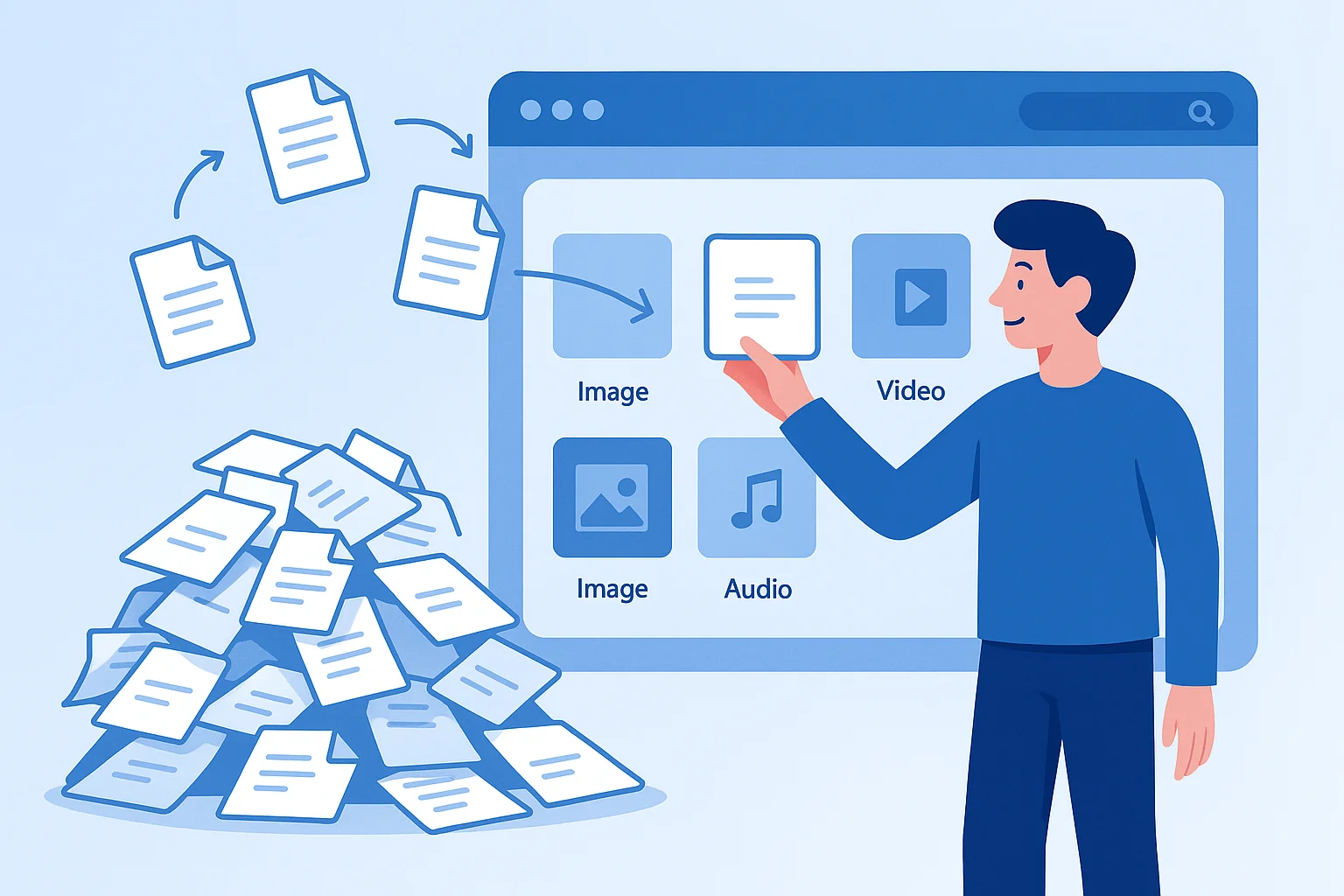
How a DAM Saves Your Team Time and Money
The cost of not having a DAM is invisible but real. Knowledge workers spend hours every week searching for files, recreating assets that already exist, and sorting out version confusion.
Here is where a DAM pays for itself:
- Search time — finding any file in seconds instead of minutes
- Duplicate work — stop recreating assets that already exist but nobody can find
- Brand consistency — everyone uses the approved version, every time
- Onboarding — new team members find what they need without asking ten people
- External sharing — send a link instead of a 50 MB email attachment
- Legal protection — track usage rights and expiration dates so you do not use assets you no longer have permission for
- Approval workflows — only reviewed, on-brand assets reach your marketing channels, sales decks, and partner portals
Getting Started
If your team is still managing brand assets across scattered drives, email threads, and Slack messages, you are losing time every day. A DAM gives you one place for everything — organized, searchable, and always up to date.
Asset Locker is built for small-to-mid-size teams who need real digital asset management without the enterprise price tag or six-week onboarding. Upload your first assets in minutes, not months.