You have an image. You need to save it. The export dialog shows you a dozen format options and you pick JPG because that is what you have always picked. Sound familiar?
Image format choice matters more than most people realize. The wrong format can double your file size, kill your page speed, strip transparency, or introduce visible compression artifacts. The right format keeps your images sharp, your files small, and your website fast.
This guide covers the three formats that handle the vast majority of images on the web today — JPG, PNG, and WebP — plus a look at AVIF, the format likely to replace them all.
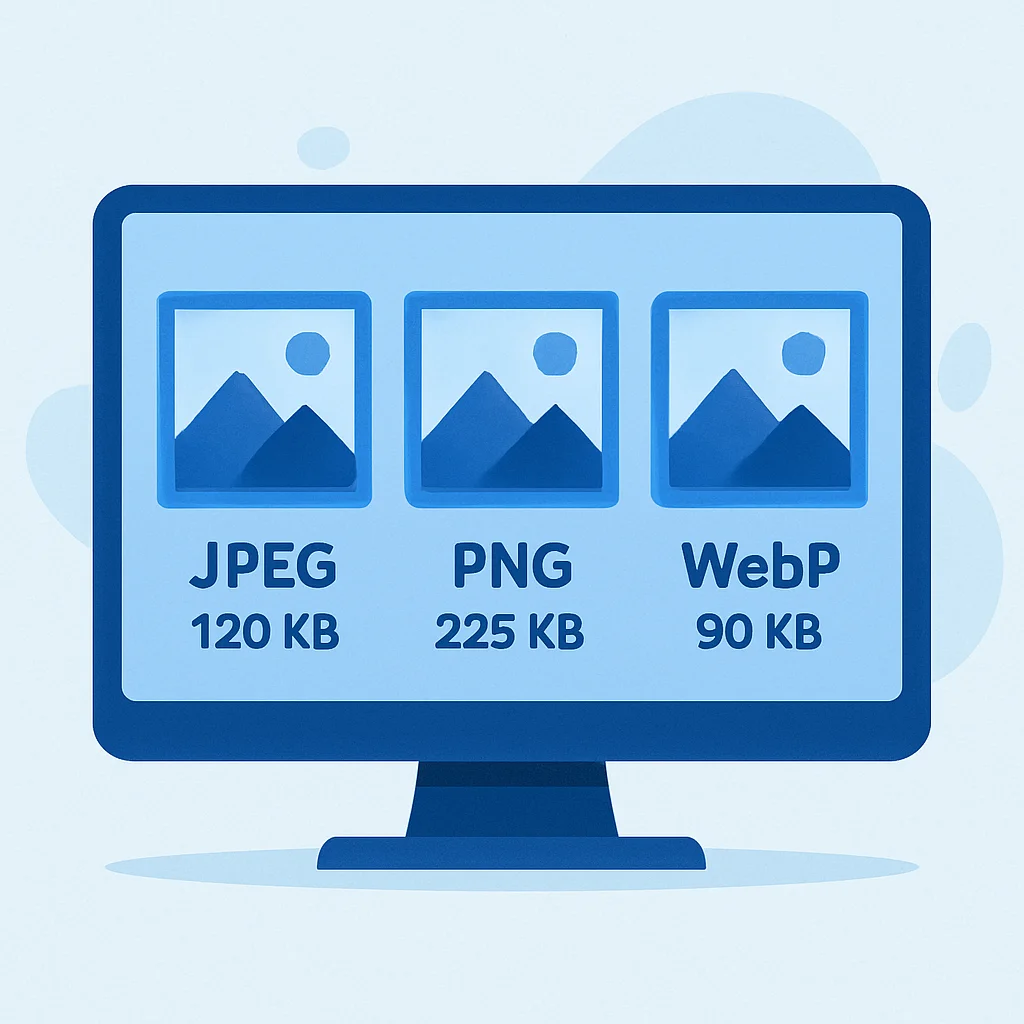
The Short Answer
If you just want a quick answer:
- Photos and complex images → WebP (or JPG if WebP is not supported)
- Logos, icons, and graphics with transparency → WebP with alpha (or PNG as fallback)
- Screenshots and graphics with sharp text → PNG
- Archival or print-ready originals → PNG or TIFF (lossless)
For the full picture, keep reading.
JPG (JPEG): The Workhorse

JPG has been the default photo format since the 1990s, and for good reason. It uses lossy compression to dramatically reduce file sizes while keeping images visually acceptable to the human eye.
How JPG compression works
JPG divides your image into 8×8 pixel blocks, converts them to frequency data, and discards the high-frequency detail that your eye is least likely to notice. The quality setting (typically 1–100) controls how aggressively it discards data. At quality 80–85, most photos look identical to the original at normal viewing distances.
When to use JPG
- Photographs with lots of color variation and gradients
- Social media posts (most platforms re-encode to JPG anyway)
- Email attachments where compatibility matters
- Any situation where universal support is more important than optimal compression
When to avoid JPG
- Transparency — JPG does not support it at all. No alpha channel, no transparent backgrounds.
- Text and sharp edges — JPG compression creates visible artifacts around high-contrast edges (known as “ringing”). Logos and screenshots look noticeably worse.
- Repeated editing — every time you open, edit, and re-save a JPG, it recompresses and loses more quality. This is called generation loss. Never use JPG as a working format.
JPG at a glance
| Feature | JPG |
|---|---|
| Compression | Lossy |
| Transparency | No |
| Animation | No |
| Browser support | Universal (100%) |
| Best for | Photos, gradients |
| Typical file size | Small to medium |
PNG: The Lossless Option
PNG was created in the mid-1990s as a patent-free replacement for GIF. It uses lossless compression, meaning every pixel is preserved exactly as you saved it. No quality loss, no artifacts, no surprises.
How PNG compression works
PNG uses a two-step process: it first applies a prediction filter to each row of pixels (guessing what the next pixel will be based on its neighbors), then compresses the result using DEFLATE (the same algorithm behind ZIP files). Because the compression is lossless, the output is always identical to the input when decoded.
When to use PNG
- Logos and brand marks — sharp edges stay sharp, transparency is preserved
- Screenshots — text remains crisp and readable
- Graphics with flat colors — PNG compresses these efficiently
- When you need an exact pixel-for-pixel copy — archival use, print preparation
- Overlays and UI elements — alpha transparency is essential for layered designs
When to avoid PNG
- Photographs — a PNG photo can be 5–10 times larger than the same image saved as JPG at quality 85, with no visible difference. This kills page speed.
- Large hero images on websites — file size will be excessive unless the image is mostly flat color.
PNG at a glance
| Feature | PNG |
|---|---|
| Compression | Lossless |
| Transparency | Yes (full alpha channel) |
| Animation | Yes (APNG, limited support) |
| Browser support | Universal (100%) |
| Best for | Logos, screenshots, graphics |
| Typical file size | Medium to large |
WebP: The Modern Standard

WebP was developed by Google and released in 2010, but it took over a decade to achieve near-universal browser support. As of 2026, every major browser supports WebP, and it has become the default choice for web images.
Why WebP is usually the best choice
WebP supports both lossy and lossless compression, plus transparency, all in a single format. That means it can replace both JPG and PNG in most situations while producing smaller files.
- Lossy WebP produces files 25–35% smaller than JPG at equivalent visual quality
- Lossless WebP produces files 20–30% smaller than PNG
- Alpha channel is supported in both lossy and lossless modes
In practical terms, a 200 KB JPG hero image becomes a 140 KB WebP with no visible difference. Across an entire page with multiple images, those savings add up to noticeably faster load times.
When to use WebP
- Website images — photos, graphics, thumbnails, hero images, product shots
- Any image that will be served over the web — it is simply more efficient
- Images that need transparency without the PNG file size penalty
When to avoid WebP
- Print workflows — print shops and design tools may not accept WebP. Use PNG or TIFF for print.
- Email newsletters — some older email clients do not render WebP. JPG is safer for email.
- Archival storage — WebP is not yet a universal archival format. Keep your master files as PNG or TIFF.
WebP at a glance
| Feature | WebP |
|---|---|
| Compression | Both lossy and lossless |
| Transparency | Yes (full alpha channel) |
| Animation | Yes |
| Browser support | 97%+ (all modern browsers) |
| Best for | Web delivery of any image type |
| Typical file size | Small (25–35% smaller than JPG/PNG) |
The Comparison: JPG vs PNG vs WebP
Here is a side-by-side comparison to make the decision easy:
| Feature | JPG | PNG | WebP |
|---|---|---|---|
| Compression type | Lossy only | Lossless only | Both |
| Transparency | No | Yes | Yes |
| Animation | No | Limited (APNG) | Yes |
| File size (photo) | Small | Large | Smallest |
| File size (graphic) | Medium | Small–Medium | Smallest |
| Quality loss on re-save | Yes | No | Yes (lossy mode) |
| Browser support | 100% | 100% | 97%+ |
| Email safe | Yes | Yes | Not always |
| Print safe | Yes | Yes | Rarely |
What About AVIF?
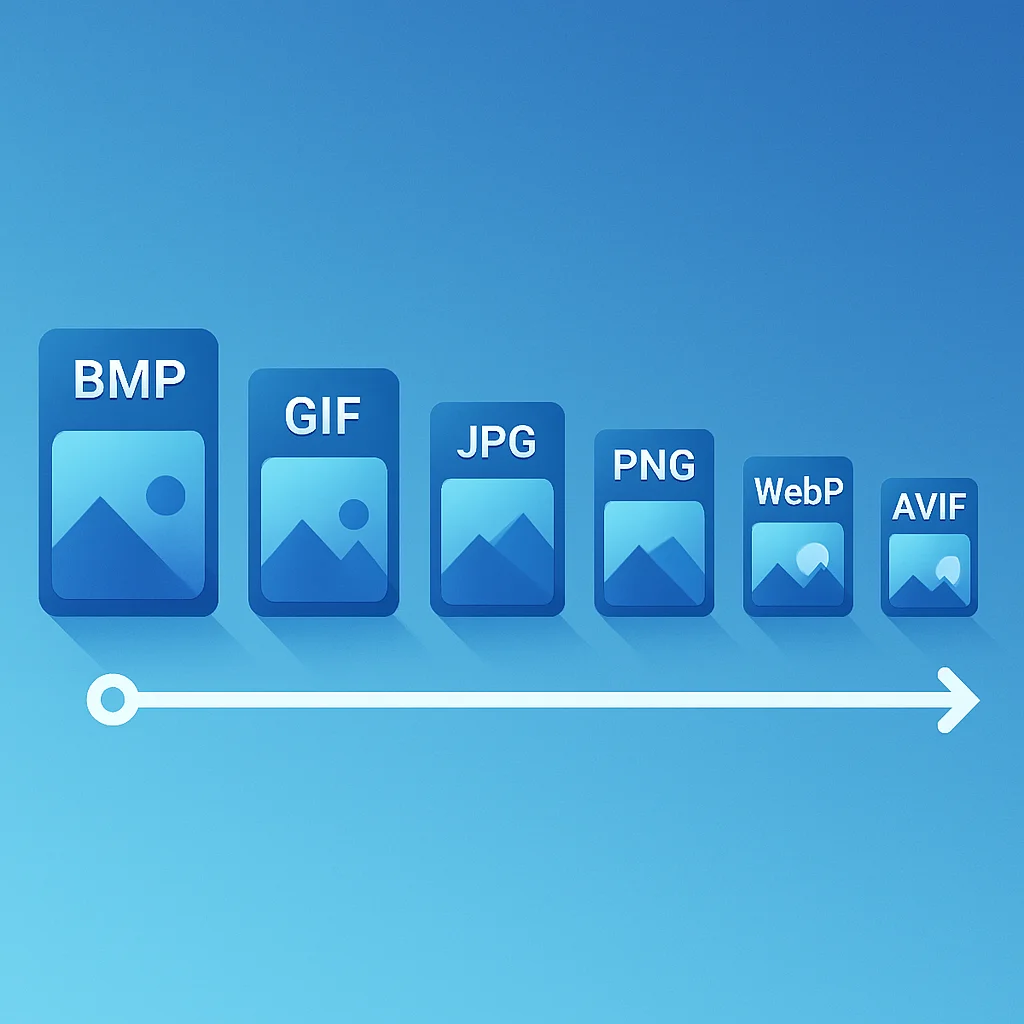
AVIF is the newest contender. Based on the AV1 video codec, it offers even better compression than WebP — typically 30–50% smaller files at equivalent quality. It supports transparency, wide color gamut (HDR), and both lossy and lossless modes.
The catch: AVIF encoding is slow (significantly slower than WebP), and browser support, while growing, is not yet universal. Safari added support in late 2023, and as of 2026 all major desktop browsers support it. But older mobile browsers, email clients, and many image editing tools still do not.
Our take: AVIF is the future, but WebP is the present. If your workflow can serve AVIF with a WebP fallback (using the <picture> element), you get the best of both worlds. If you can only pick one format, WebP is the safer bet for now.
Decision Tree: Which Format Should I Use?
Follow this logic and you will pick the right format every time:
- Is it going on a website?
- Yes → Use WebP. If you can also serve AVIF with a fallback, even better.
- No → Continue to step 2.
- Does it need transparency?
- Yes → Use PNG (universal) or WebP (if the destination supports it).
- No → Continue to step 3.
- Is it a photo or a graphic with sharp text/edges?
- Photo → Use JPG at quality 80–85.
- Graphic/screenshot → Use PNG.
- Is it for print?
- Yes → Use PNG or TIFF. Never JPG for print-ready files.
- Is it for email?
- Yes → Use JPG for photos, PNG for graphics. Avoid WebP in email.
How Asset Locker Handles Format Conversion
When you upload an image to Asset Locker, the original file is preserved in whatever format you uploaded it in — your master file is never altered. Behind the scenes, Asset Locker automatically generates optimized WebP thumbnails and previews for fast browsing and CDN delivery.
When you share assets via CDN links, download them, or embed them in your website, you are serving the most efficient format without having to think about conversion. The original stays intact for print or archival use, while the web-optimized version loads fast for everyone else.
Key Takeaways
- WebP is the default choice for web images in 2026. It beats JPG and PNG on file size while supporting both lossy and lossless compression plus transparency.
- JPG still has a role — email, legacy systems, and situations where universal compatibility matters more than file size.
- PNG is essential for lossless quality — logos, screenshots, print-ready files, and anything with transparency that needs to work everywhere.
- AVIF is coming but not ready to be your only format. Use it as a progressive enhancement with WebP fallback.
- Store originals in lossless formats and let your DAM or build pipeline handle web-optimized delivery.