The Complete Guide to Social Media Image Sizes in 2026
Every image dimension you need for Instagram, Facebook, LinkedIn, X, TikTok, Pinterest, and YouTube — updated for 2026. Bookmark this page and never guess again.
Asset Locker·7 min read
social mediaimage sizesinstagramfacebooklinkedintiktokpinterestyoutube
Getting your image sizes right is the difference between looking professional and looking like you cropped a screenshot in MS Paint. Every platform has its own specs, and they change more often than you’d expect.
This guide covers every image dimension you need across the seven major platforms — updated for 2026. Bookmark it. You’ll be back.
Need to resize fast? Use our free image resizer — no signup, no watermark, works in your browser.
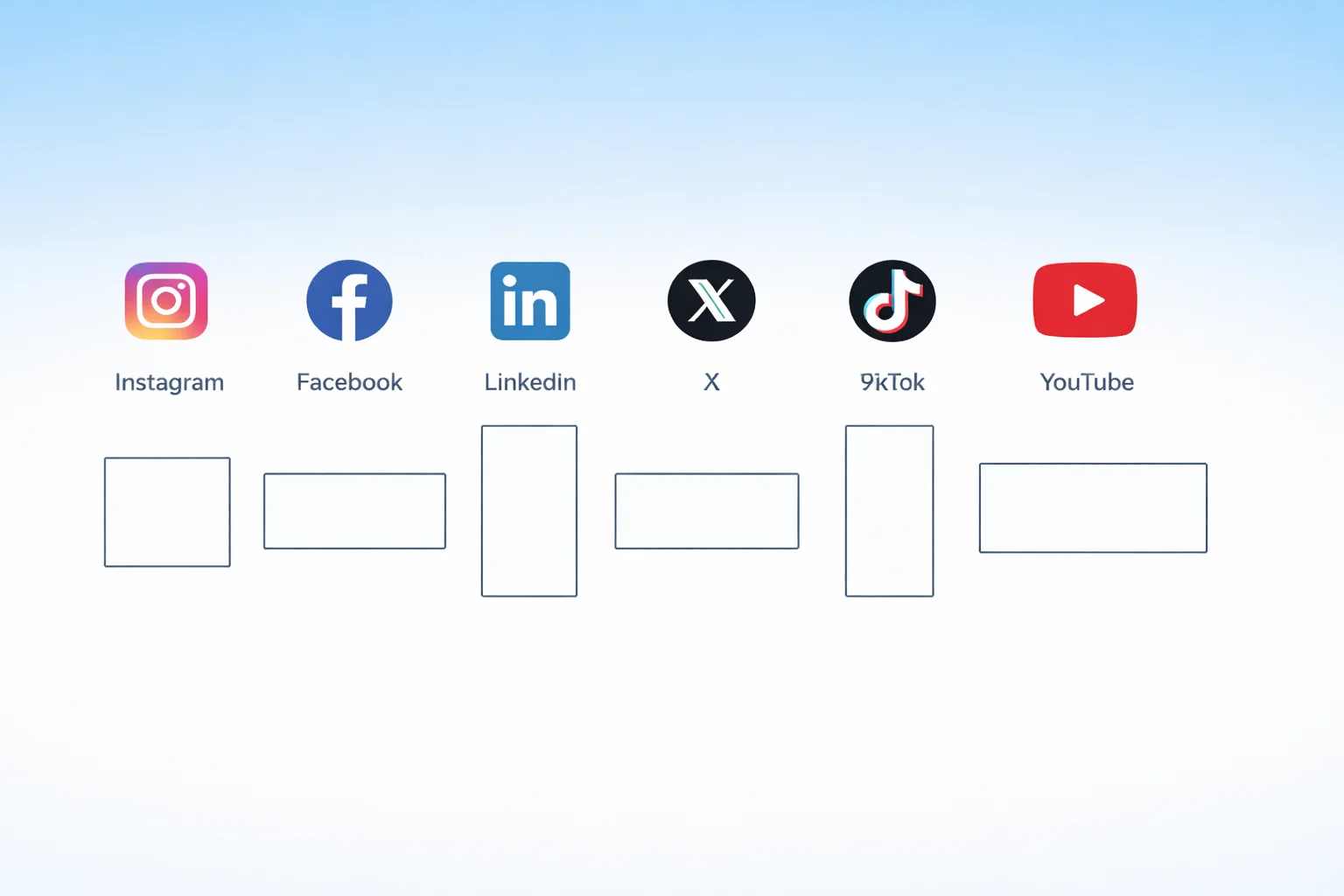
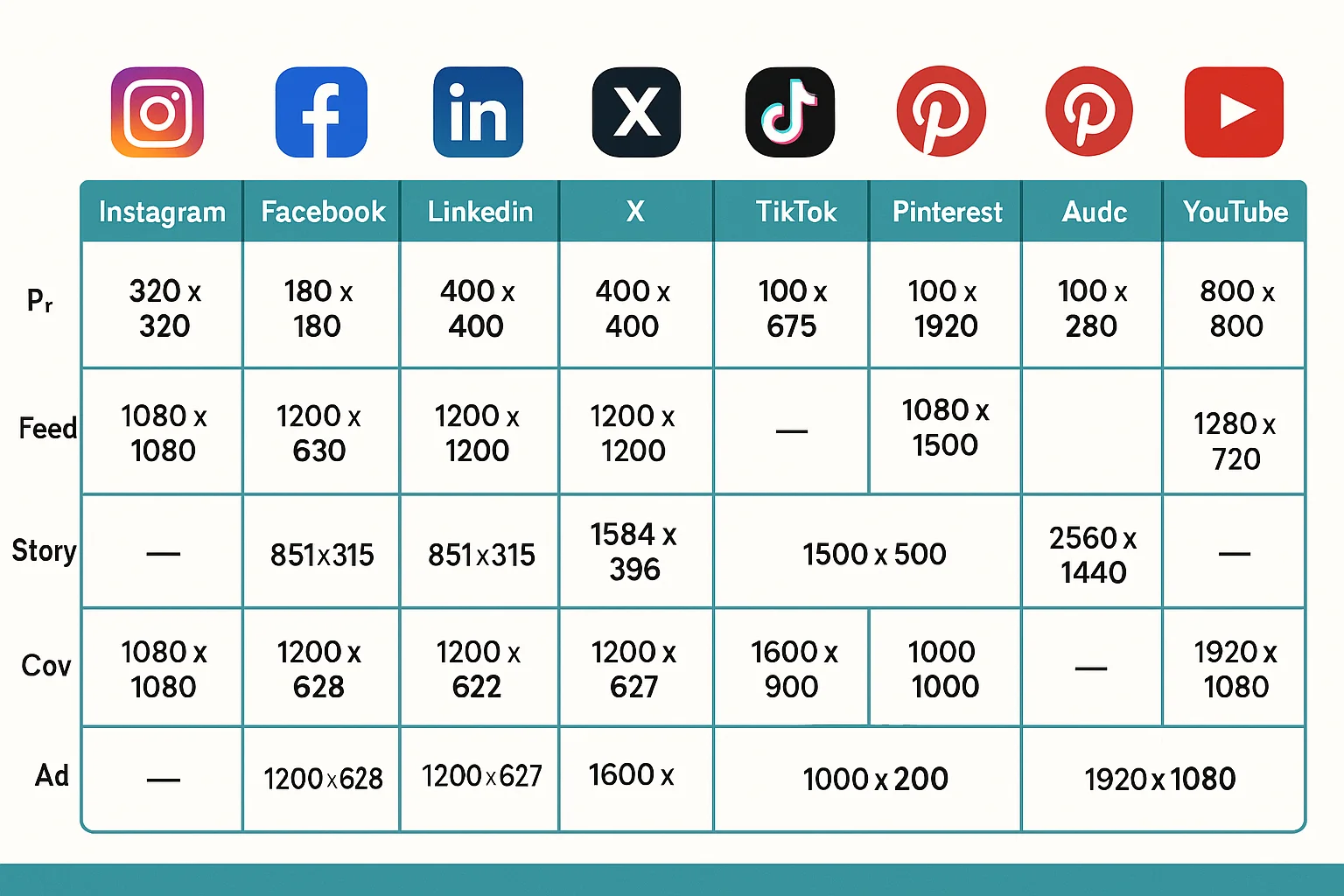
Social media image sizes across all major platforms
Instagram Image Sizes
Instagram is pickier about dimensions than any other platform. Get the aspect ratio wrong and it’ll auto-crop your image — badly.
Profile
Format
Dimensions
Aspect Ratio
Profile picture
320 × 320 px
1:1
Feed Posts
Format
Dimensions
Aspect Ratio
Square post
1080 × 1080 px
1:1
Portrait post
1080 × 1350 px
4:5
Landscape post
1080 × 566 px
1.91:1
Carousel (per slide)
1080 × 1080 px
1:1
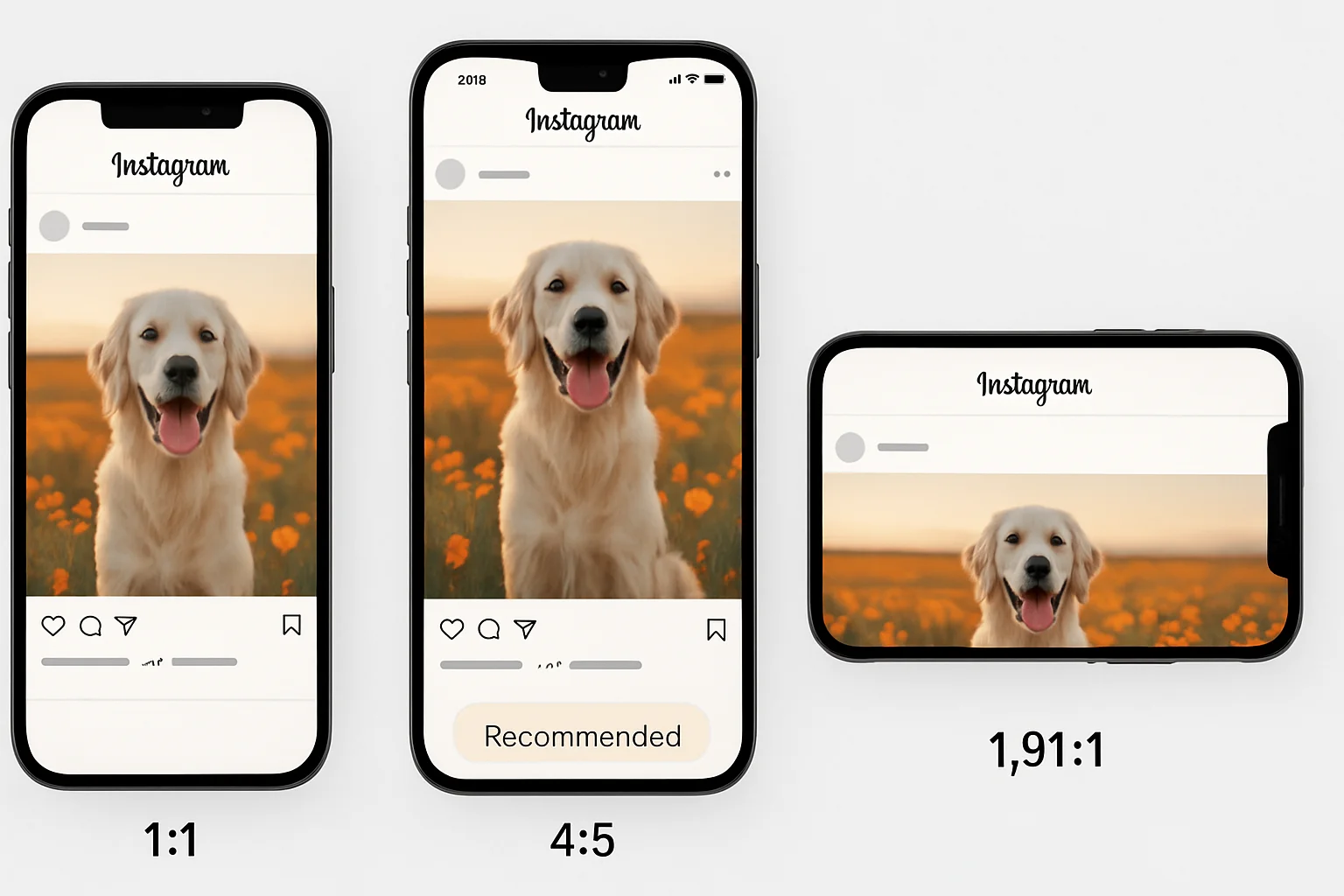
Best practice: Use 1080 × 1350 px (4:5 portrait) for feed posts — it takes up the most screen real estate in the feed.
The 4:5 portrait format takes up the most screen space in the Instagram feed
Stories & Reels
Format
Dimensions
Aspect Ratio
Story
1080 × 1920 px
9:16
Reel cover
1080 × 1920 px
9:16
Reel thumbnail (feed)
1080 × 1080 px
1:1
Ads
Format
Dimensions
Aspect Ratio
Feed ad
1080 × 1080 px
1:1
Story ad
1080 × 1920 px
9:16
Explore ad
1080 × 1080 px
1:1
Facebook Image Sizes
Facebook compresses images hard. If you upload a slightly-off size, it gets compressed and resized — double the quality loss. Stick to these dimensions and use PNG for graphics, JPEG (85%+ quality) for photos.
Profile & Cover
Format
Dimensions
Aspect Ratio
Profile picture
170 × 170 px
1:1
Cover photo (desktop)
820 × 312 px
~2.63:1
Cover photo (mobile)
640 × 360 px
16:9
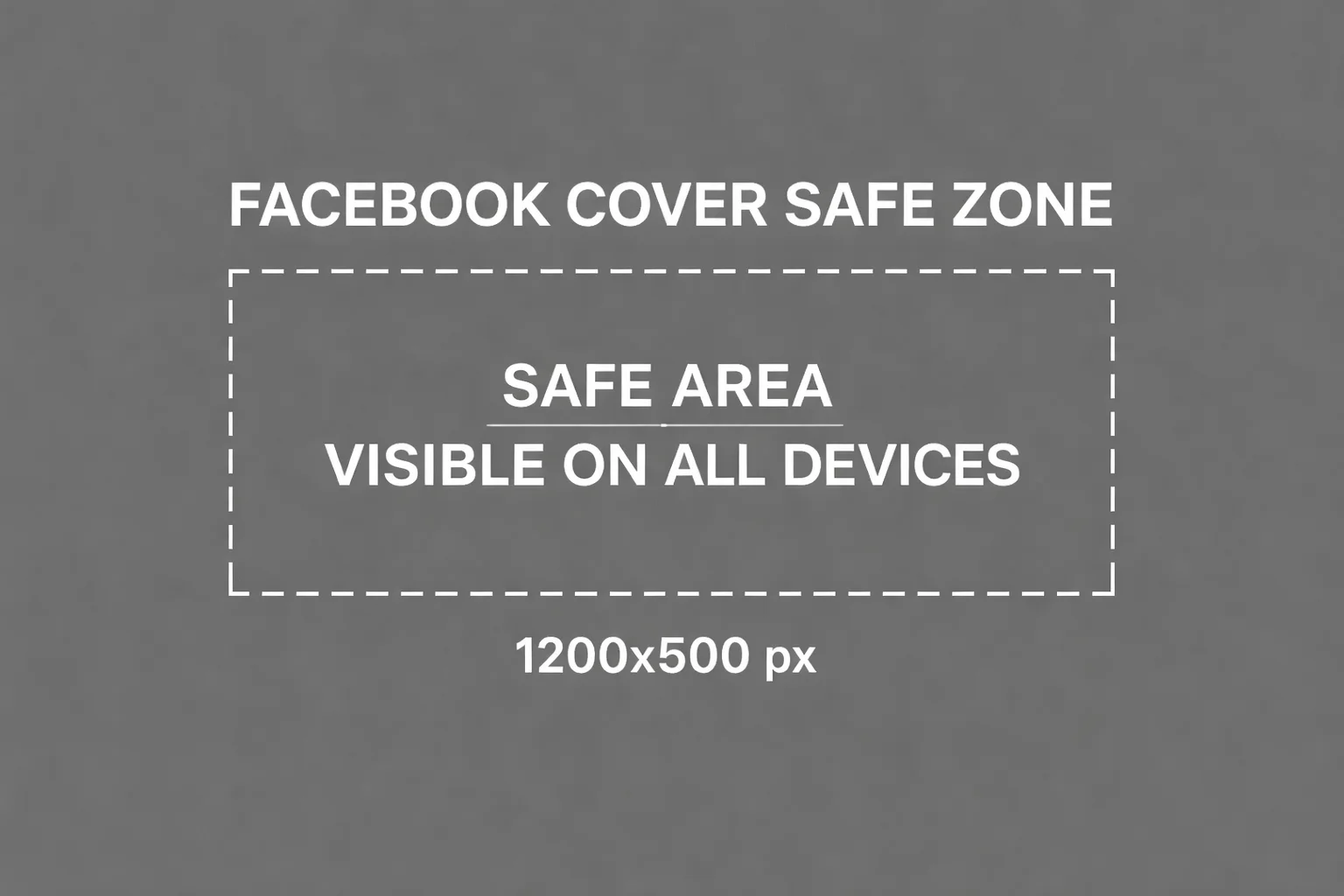
Tip: Design your cover at 820 × 462 px — that’s the size that survives both desktop and mobile cropping. Keep anything important (logos, text, faces) dead center.
Keep important content in the center of your Facebook cover — the edges get cropped on mobile
Feed Posts
Format
Dimensions
Aspect Ratio
Single image post
1200 × 630 px
1.91:1
Square post
1080 × 1080 px
1:1
Portrait post
1080 × 1350 px
4:5
Link share preview
1200 × 630 px
1.91:1
Stories & Reels
Format
Dimensions
Aspect Ratio
Story
1080 × 1920 px
9:16
Reel
1080 × 1920 px
9:16
Ads
Format
Dimensions
Aspect Ratio
Feed ad
1080 × 1080 px
1:1
Right column ad
1200 × 628 px
1.91:1
Marketplace ad
1200 × 628 px
1.91:1
Story ad
1080 × 1920 px
9:16
Groups & Events
Format
Dimensions
Aspect Ratio
Group cover
1640 × 856 px
~1.91:1
Event cover
1200 × 628 px
1.91:1
LinkedIn Image Sizes
LinkedIn penalises blurry or weirdly-cropped images more than you’d think — especially on company pages. A pixelated banner photo next to a competitor’s crisp one says a lot without saying anything.
Profile & Cover
Format
Dimensions
Aspect Ratio
Profile picture
400 × 400 px
1:1
Background photo
1584 × 396 px
4:1
Company logo
300 × 300 px
1:1
Company cover
1128 × 191 px
~5.9:1
Feed Posts
Format
Dimensions
Aspect Ratio
Single image post
1200 × 627 px
1.91:1
Square post
1080 × 1080 px
1:1
Portrait post
1080 × 1350 px
4:5
Article cover
1200 × 644 px
~1.86:1
Newsletter cover
1280 × 720 px
16:9
Ads
Format
Dimensions
Aspect Ratio
Sponsored content
1200 × 627 px
1.91:1
Message ad banner
300 × 250 px
—
Spotlight ad
100 × 100 px
1:1
Carousel card
1080 × 1080 px
1:1
X (Twitter) Image Sizes
X has a habit of cropping images in ways you didn’t ask for. The only reliable way to keep your image intact in the feed is to match the aspect ratios below.
Profile & Header
Format
Dimensions
Aspect Ratio
Profile picture
400 × 400 px
1:1
Header image
1500 × 500 px
3:1
Feed Posts
Format
Dimensions
Aspect Ratio
Single image
1200 × 675 px
16:9
Two images
700 × 800 px each
7:8
Three images
700 × 800 px + 1200 × 675 px
Mixed
Four images
1200 × 600 px each
2:1
Tip:16:9 is the safest ratio for single images — it displays fully expanded in the feed without cropping.
Ads
Format
Dimensions
Aspect Ratio
Website card
800 × 418 px
1.91:1
App card
800 × 800 px
1:1
Carousel card
800 × 800 px
1:1
TikTok Image Sizes
TikTok is mostly video, but your profile photo, video thumbnails, and ad creatives are all still static images — and they show up everywhere.
Profile
Format
Dimensions
Aspect Ratio
Profile picture
200 × 200 px
1:1
Video & Content
Format
Dimensions
Aspect Ratio
Video thumbnail
1080 × 1920 px
9:16
Photo post
1080 × 1920 px
9:16
Ads
Format
Dimensions
Aspect Ratio
In-feed ad
1080 × 1920 px
9:16
TopView ad
1080 × 1920 px
9:16
Spark ad
1080 × 1920 px
9:16
Pinterest Image Sizes
Pinterest works more like a visual search engine than a social feed. Taller images take up more space in search results, which means more eyeballs and more clicks.
Profile
Format
Dimensions
Aspect Ratio
Profile picture
165 × 165 px
1:1
Board cover
222 × 150 px
~3:2
Pins
Format
Dimensions
Aspect Ratio
Standard pin
1000 × 1500 px
2:3
Long pin
1000 × 2100 px
1:2.1
Square pin
1000 × 1000 px
1:1
Idea pin (cover)
1080 × 1920 px
9:16
Carousel pin
1000 × 1500 px
2:3
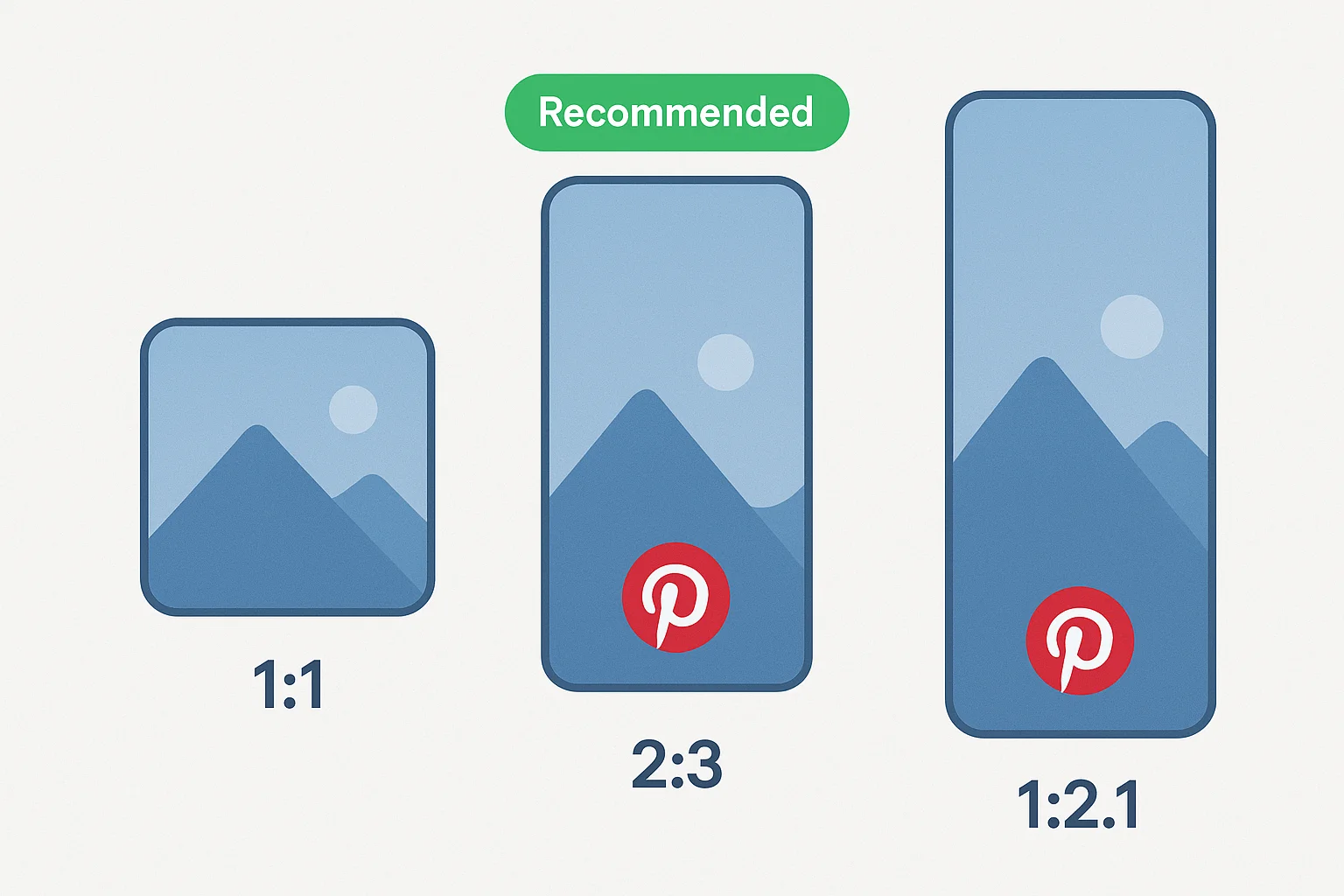
Best practice:2:3 ratio (1000 × 1500 px) is Pinterest’s recommended aspect ratio and gets the best distribution.
The 2:3 ratio is the sweet spot for Pinterest — tall enough to stand out, not so tall it gets truncated
Ads
Format
Dimensions
Aspect Ratio
Standard ad
1000 × 1500 px
2:3
Video ad
1000 × 1500 px
2:3
Shopping ad
1000 × 1500 px
2:3
Carousel ad
1000 × 1500 px
2:3
YouTube Image Sizes
Your YouTube thumbnail is the single biggest factor in whether someone clicks your video or scrolls past it. Everything else — title, description, tags — comes second.
Channel
Format
Dimensions
Aspect Ratio
Profile picture
800 × 800 px
1:1
Channel banner
2560 × 1440 px
16:9
Channel banner (safe area)
1546 × 423 px
—
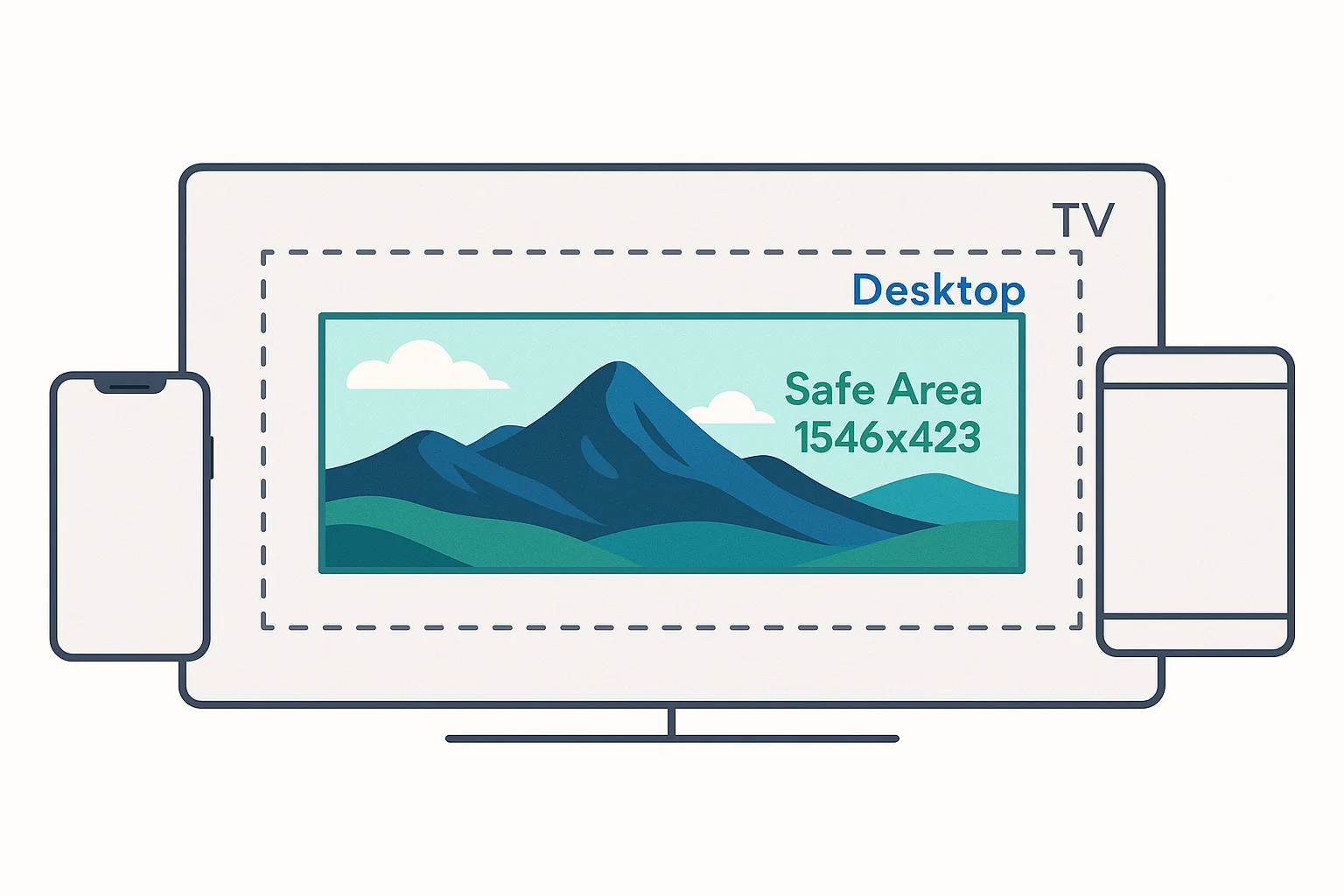
Tip: YouTube shows your banner differently on TVs, desktops, tablets, and phones. The only area guaranteed to be visible everywhere is the 1546 × 423 px safe zone in the center — keep your logo and text there.
Only the center 1546 x 423 px of your YouTube banner is visible on every device
Videos
Format
Dimensions
Aspect Ratio
Thumbnail
1280 × 720 px
16:9
Community post image
1200 × 675 px
16:9
End screen element
300 × 300 px (minimum)
varies
Ads
Format
Dimensions
Aspect Ratio
Display ad
300 × 250 px
—
Overlay ad
480 × 70 px
—
Companion banner
300 × 60 px
—
Quick Reference Cheat Sheet
Quick reference — the most common image sizes across all platforms
The most-used sizes across all platforms:
Use Case
Size
Ratio
Square post (everywhere)
1080 × 1080 px
1:1
Portrait post (Instagram, Facebook, LinkedIn)
1080 × 1350 px
4:5
Landscape post (Facebook, LinkedIn, X)
1200 × 630 px
1.91:1
Story / Reel (everywhere)
1080 × 1920 px
9:16
YouTube thumbnail
1280 × 720 px
16:9
Pinterest pin
1000 × 1500 px
2:3
Profile picture (everywhere)
400 × 400 px
1:1
Tips for Getting Image Sizes Right
Design at 2x — Export at the recommended size, but design at double resolution for retina displays when possible.
Use PNG for graphics — Logos, text overlays, and illustrations look sharper as PNG. Use JPEG for photographs.
Mind the safe zones — Stories and reels have UI overlays (profile pic, buttons, text). Keep important content in the center 80% of the frame.
Batch resize — If you’re publishing to multiple platforms, resize once for all sizes instead of manually cropping each one.
Test on mobile — Over 80% of social media usage is on mobile. Always preview how your images look on a phone screen.
Resize Your Images in Seconds
If you’re still opening Photoshop every time you need a different size, there’s a faster way. Our free image resizer has presets for every platform listed above — pick one, drop your image, done. No signup.
If you’re managing images across a team, Asset Locker stores every size and format in one place with instant CDN links — so nobody has to ask “where’s the LinkedIn version?” ever again.
Where can I learn more about this?
Authoritative references on the standards behind this topic:
The Asset Locker is a brand and digital asset management platform that handles the practical side of what this guide covers — versioning, approval workflows, custom CDN domains, and team collaboration. See features or start a free trial.
Stop resizing one image at a time
The Asset Locker organizes your entire media library with instant CDN links and team collaboration. Every image, every format, always findable.