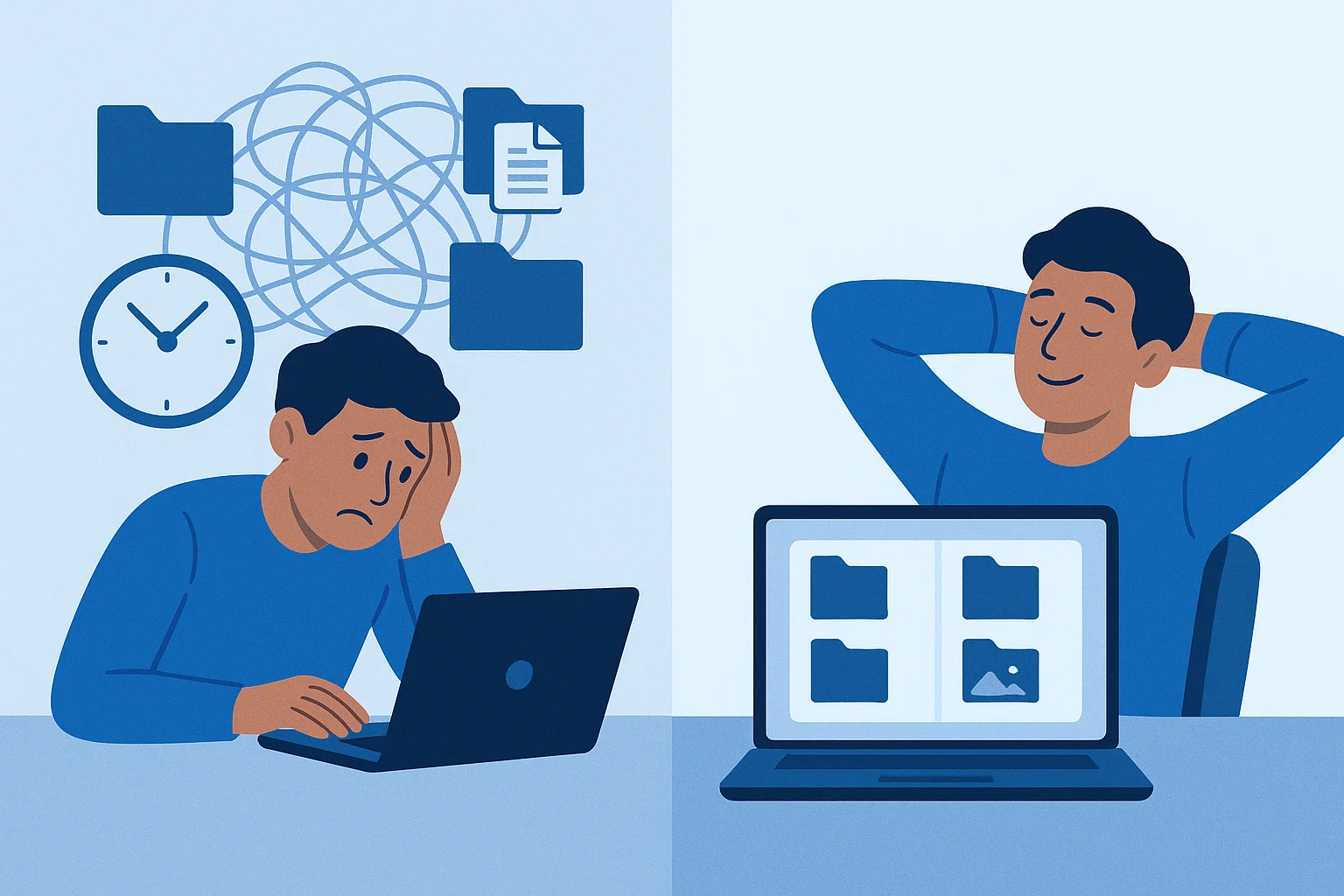
Every team starts the same way. A shared drive, a handful of folders, and an agreement that everyone will "just keep things organized." It works fine when you have fifty files and three people.
Then the files multiply. The team grows. Someone renames a folder. Someone else creates a duplicate. Six months later, nobody can find anything and the "organized" system is held together with duct tape and good intentions.
If that sounds familiar, you might be ready for digital asset management. Here are seven signs that confirm it.
1. Your Team Spends More Time Searching Than Working
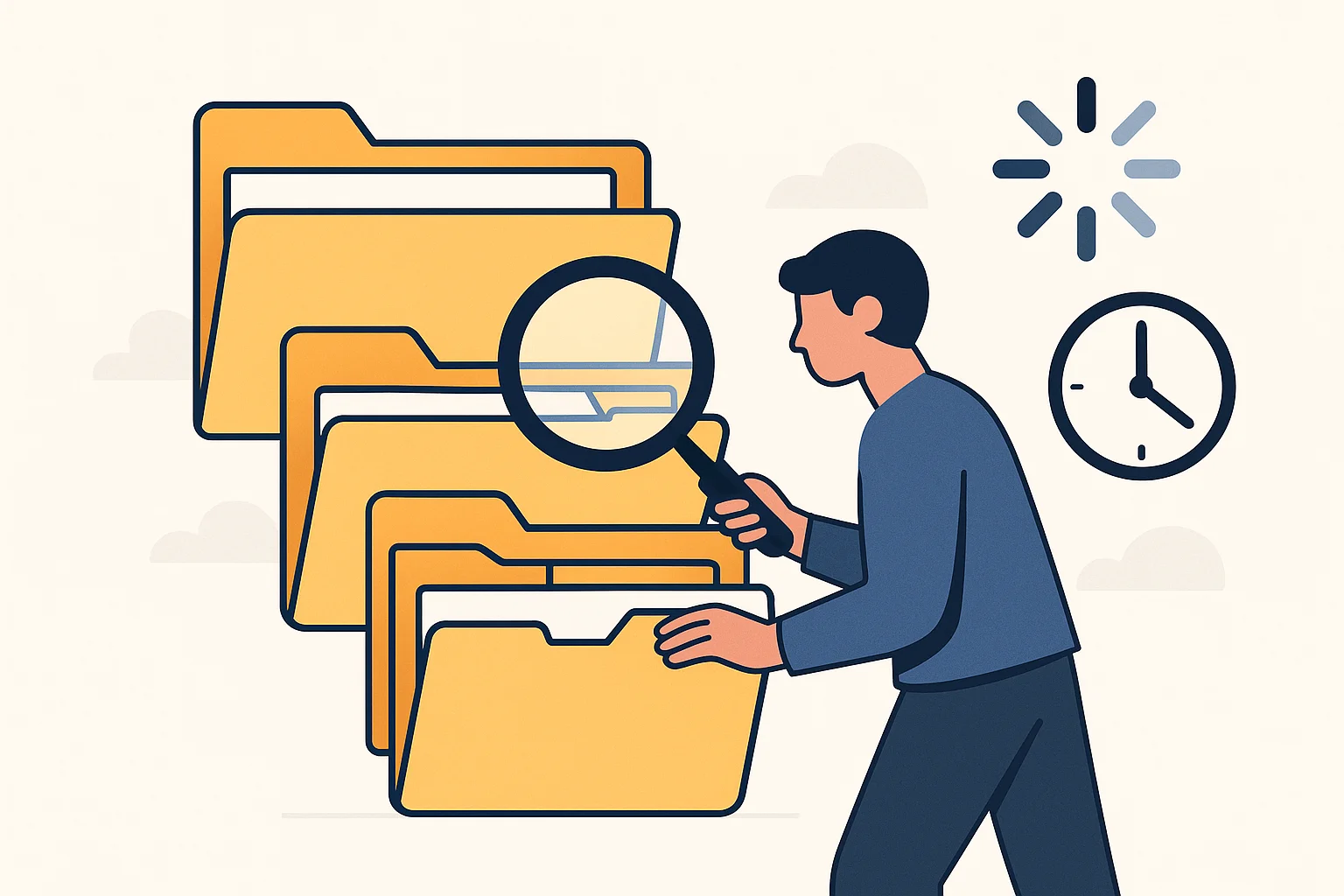
This is the most common sign — and the easiest to ignore because it happens in small increments. Two minutes here, five minutes there. But across a team, those minutes add up fast.
If people regularly ask coworkers "where is the latest version of..." or spend time scrolling through folders trying to find the right file, that is a search problem. File storage was not built for visual browsing or metadata search. You are navigating by folder name and filename alone, which breaks down the moment someone names a file final_v3_REVISED_USE-THIS-ONE.jpg.
A digital asset management system lets you search by keyword, tag, file type, date, project, or any custom metadata your team defines. You find what you need in seconds, not minutes.
2. You Have Multiple Versions of the Same File and Nobody Knows Which Is Current
Version chaos is the silent killer of brand consistency. The logo in the pitch deck is from 2023. The one on the website was updated last month. The sales team is using one they found in an old email thread. All three look slightly different.
File storage encourages this by design — the easiest way to "update" a file is to upload a new copy next to the old one. Before long you have logo.png, logo-new.png, logo-FINAL.png, and logo-FINAL-2.png sitting in the same folder.
Digital asset management solves this with proper version control. Upload a new version, and it replaces the old one as the default while keeping the full history accessible. Everyone always gets the latest approved version without having to guess.
3. Freelancers or Clients Ask for Assets and You Have to Dig Them Up Manually

A client asks for the logo in SVG format. A freelance designer needs the brand guidelines and the latest product photos. A partner wants your co-branded assets for a campaign.
In a file storage world, that means someone on your team stops what they are doing, hunts down the files, packages them up, and sends an email or a download link. Every time.
With a digital asset management system, you send them a share link — or better, give them access to a curated portal with exactly the assets they need. They help themselves. You get back to work.
4. Your Brand Looks Different on Every Channel
Your website uses the current logo. Your latest social post uses last year's version. The trade show booth has a color that is slightly off. A partner's website shows a logo you retired two years ago.
Brand inconsistency is rarely intentional. It happens because people grab whatever version of an asset they can find fastest. If the fastest version is an outdated file sitting in someone's downloads folder, that is what goes out.
Digital asset management fixes this by being the single source of truth. When there is one obvious place to get the right asset — and that asset has been approved by someone who owns the brand — consistency happens by default instead of by enforcement.
5. You Have No Idea Who Has Access to What
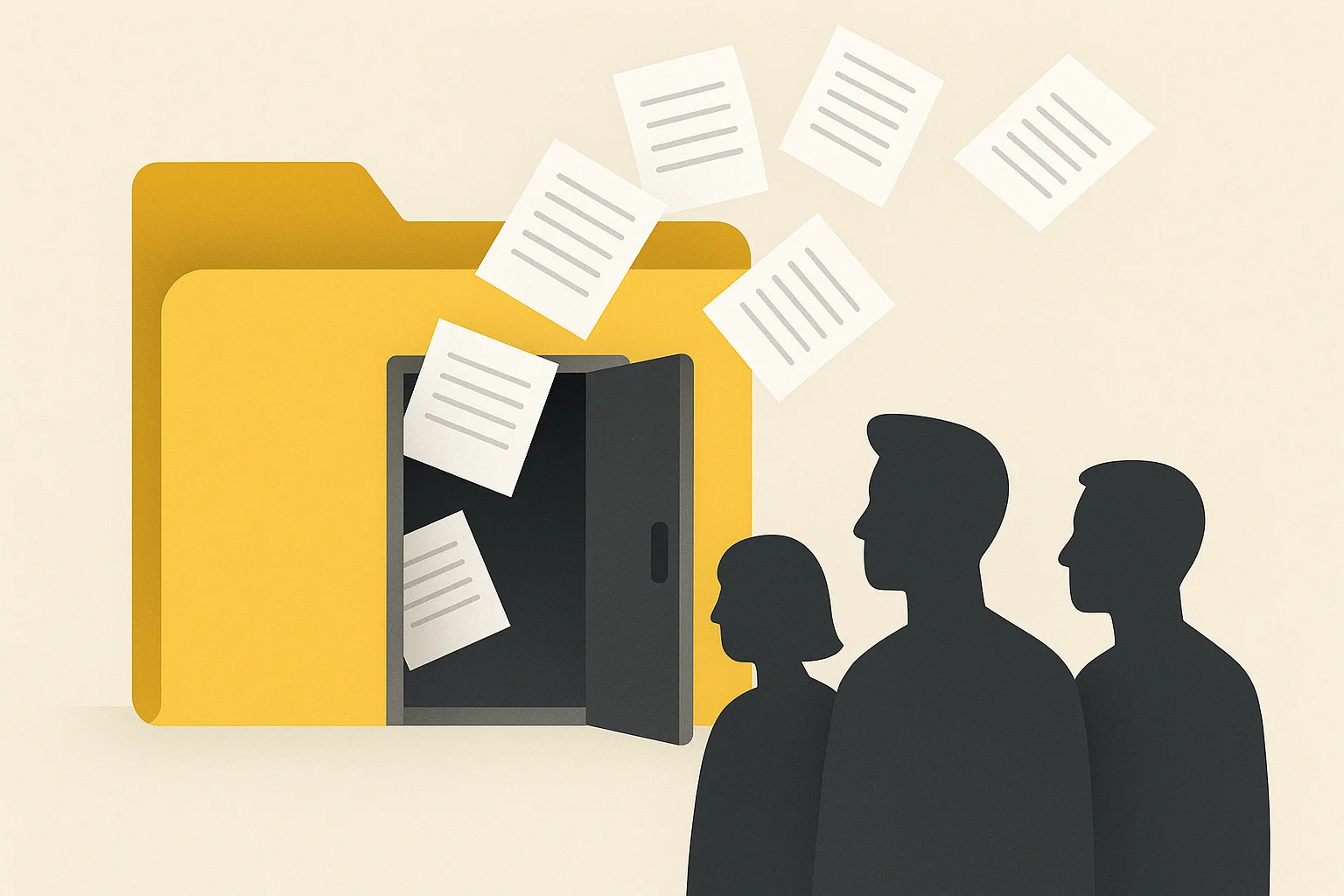
Shared drives tend to start open and stay open. Everyone gets access to everything because it is easier than setting up permissions. Over time, former employees, old contractors, and people from other departments all have access to files they probably should not.
File storage gives you folder-level permissions at best. Digital asset management gives you asset-level control — who can view, download, edit, share, and approve specific files. You can see exactly who accessed what and when, and revoke access instantly.
This is not just about security. It is about making sure the right people see the right assets. Your sales team does not need access to raw design files. Your interns do not need access to the brand master files. Roles and permissions keep things clean without constant micromanagement.
6. You Cannot Serve Assets Directly to Your Website or Apps
Your marketing team needs a hero image on the homepage. A developer downloads it from the shared drive, manually resizes it, uploads it to the CMS, and hopes the file name does not break anything. When the image needs to change, the whole process starts over.
A digital asset management platform with a built-in CDN lets you serve assets directly. Copy the URL, drop it into your website or app, and the image is live. Need a different size? The system generates it on the fly. Need to update the image? Replace it once, and every place that references the URL gets the new version automatically.
This is the difference between managing files and managing a delivery pipeline. If your assets need to reach websites, apps, emails, social media, and partner channels, you need infrastructure that was designed for distribution — not just storage.
7. Onboarding New Team Members Takes Forever
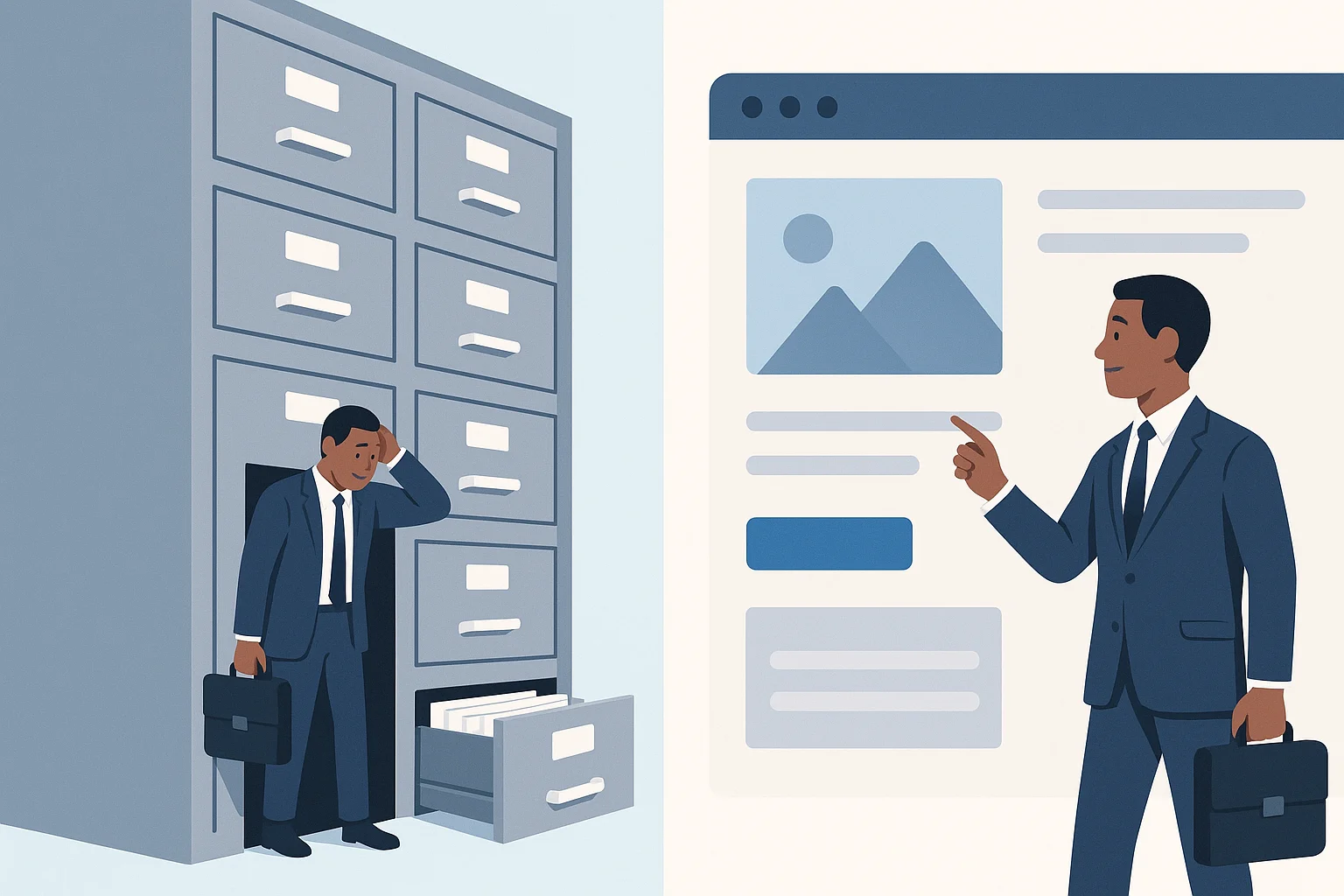
A new designer joins the team. Where are the brand guidelines? Which folder has the approved templates? Where are the product photos from the last campaign? Who do they ask?
If the answer to "where do I find assets" is "ask Sarah" or "check the shared drive, I think it is in the Marketing folder... or maybe Creative... actually let me look," your onboarding process depends on institutional knowledge instead of a system.
Digital asset management makes every asset discoverable. New team members search, browse, and find what they need without interrupting anyone. The system is the documentation.
The Real Cost of Sticking With File Storage
None of these seven problems feel urgent on their own. They are all small, daily friction points that your team has learned to work around. But "working around" is not free:
- Hours lost to searching, every week, multiplied by every person on the team
- Brand damage from inconsistent or outdated assets going out
- Rework when assets need to be recreated because nobody can find the original
- Security risk from uncontrolled access and no audit trail
- Bottlenecks when one person becomes the gatekeeper for all asset requests
File storage is free or cheap. But the hidden cost of managing assets without a proper system adds up to far more than the price of a solution built for the job.
When Is the Right Time to Switch?
You do not need to check all seven boxes. If two or three of these signs resonated, your team is already feeling the pain — whether they name it or not.
The best time to adopt digital asset management is before the problem gets worse. Migrating a few hundred files is straightforward. Migrating thousands of files scattered across a dozen folders with no naming convention is a project nobody wants to take on.
Start small. Move your most-used assets — logos, current campaign materials, brand guidelines, product photos — into a system that was built to manage them. Build the habit with your core team. Expand from there.
Asset Locker is built for teams who have hit exactly this wall. Real digital asset management — organized, searchable, and shareable — without the enterprise complexity or price tag.